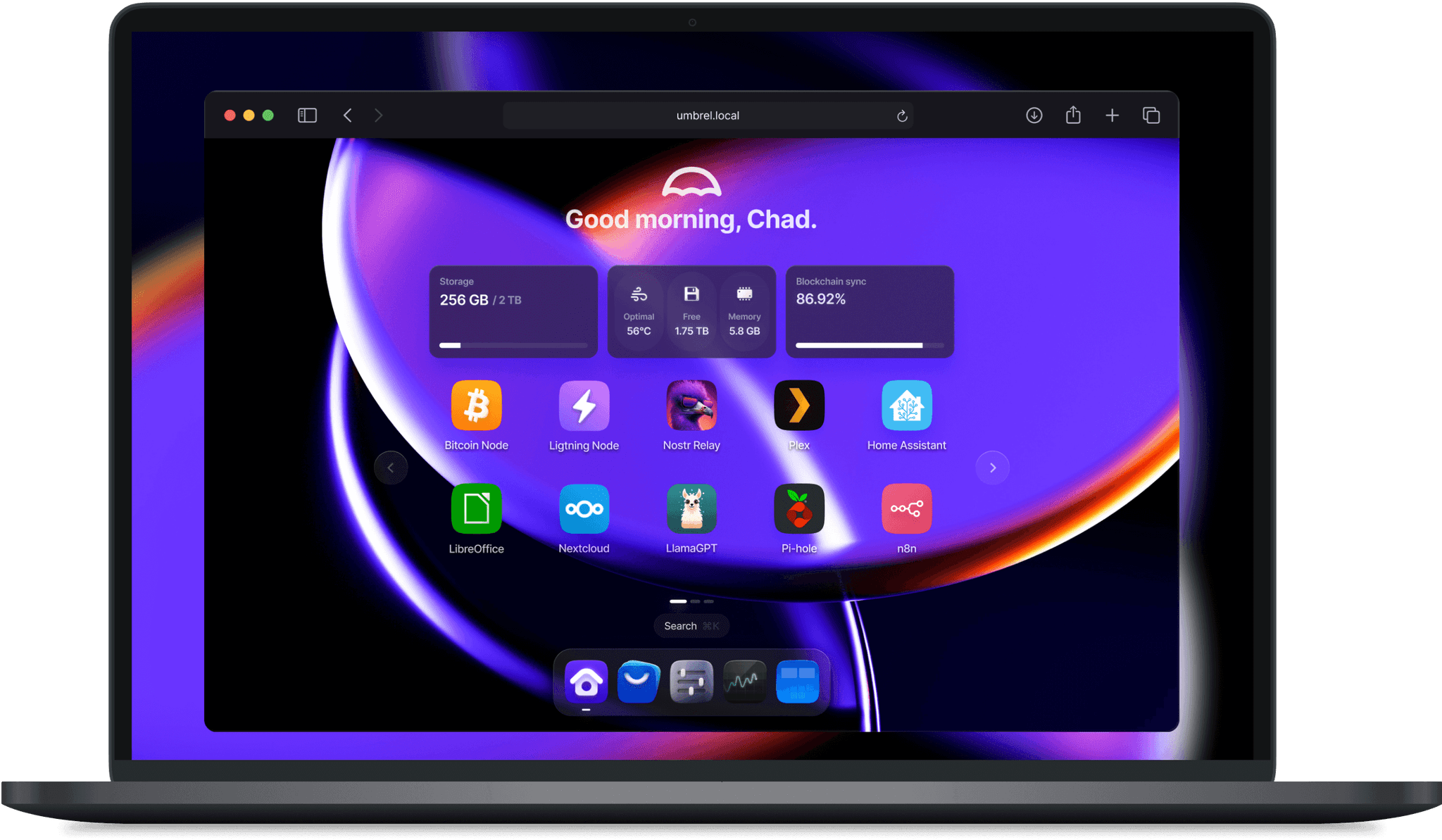



Docker container of Umbrel, an OS for self-hosting.
- Runs UmbrelOS inside a Docker container
- Does not need dedicated hardware or a virtual machine
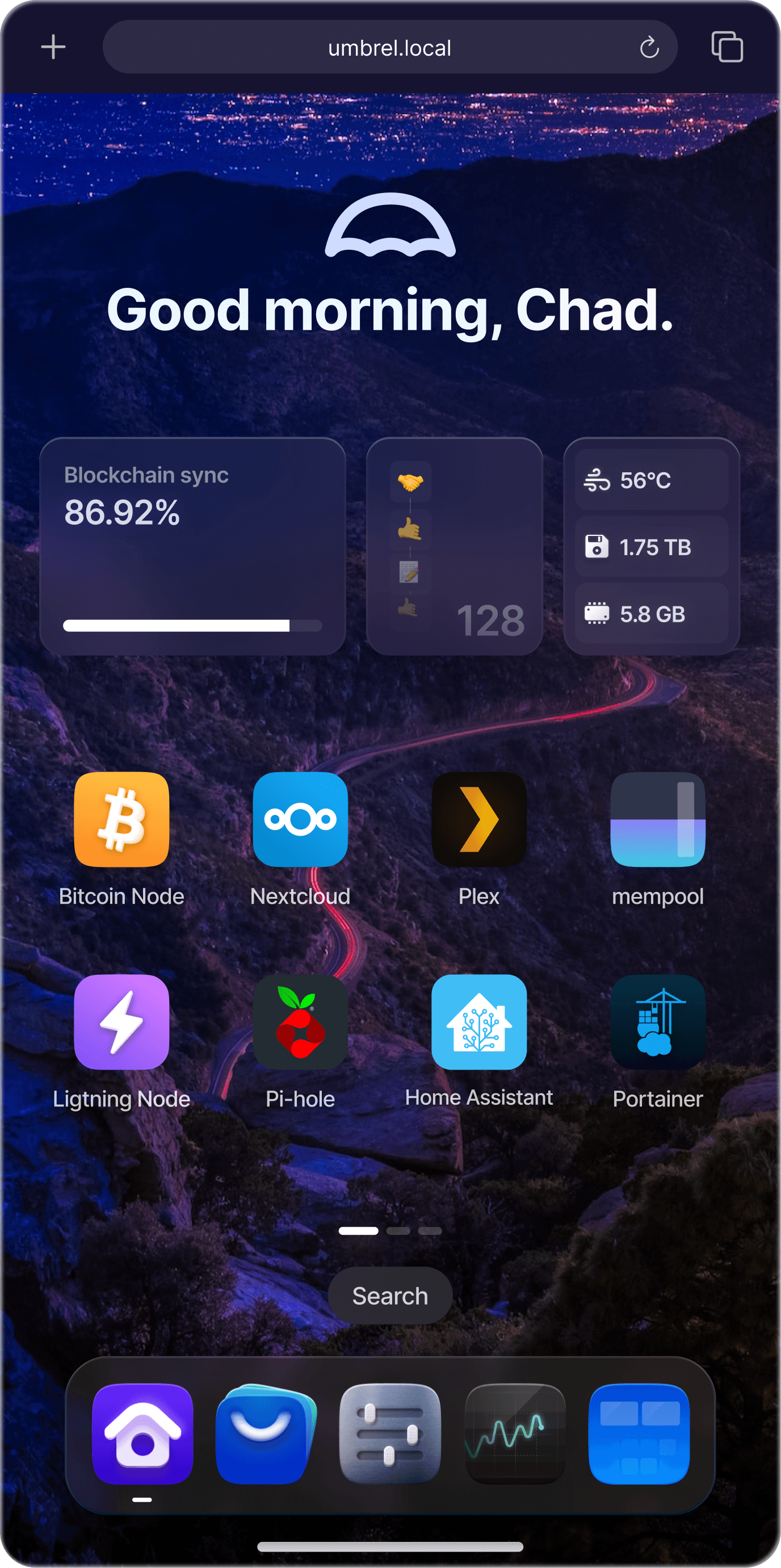
- Provides access to the Umbrel web interface
- Supports installing and running Umbrel apps
- Uses the host Docker daemon for app containers
- Runs virtual machines (Umbrel Machines) with libvirt and QEMU
services:
  umbrel:
    image: dockurr/umbrel
    container_name: umbrel
    pid: host
    privileged: true
    ports:
      - 80:80
      - 443:443
      - 2000:2000
    volumes:
      - ./umbrel:/data
      - /var/run/docker.sock:/var/run/docker.sock
    restart: always
stop_grace_period: 1mdocker run -it --rm --name umbrel --pid=host --privileged -p 80:80 -p 443:443 -p 2000:2000 -v "${PWD:-.}/umbrel:/data" -v "/var/run/docker.sock:/var/run/docker.sock" --stop-timeout 60 docker.io/dockurr/umbrel
To change the storage location, include the following bind mount in your compose file:
volumes:
  - ./umbrel:/data
Replace the example path ./umbrel with the desired storage folder or named volume.
If a folder inside it is a symbolic link to another disk (for example home pointing to a storage pool), also bind mount the target of the link at the same path:
volumes:
  - ./umbrel:/data
- /mnt/storage:/mnt/storageFor Machines (virtual machines) it is required: libvirt needs it to create the virtual network and QEMU uses /dev/kvm. For hardware acceleration, enable virtualization (Intel VT-x or AMD-V) in the BIOS of the host.
It is also required for umbrelOS to advertise the host's LAN address. Reading the host interfaces from inside the container needs CAP_SYS_ADMIN, and without privileged: true the dashboard and the generated certificate fall back to the container's own Docker address (something like 172.17.0.2), which no LAN client can reach or validate against. Adding --cap-add SYS_ADMIN is not enough here, the container has to be fully privileged. Without it umbrelOS otherwise runs normally and hides Machines.
Stop the container, back up the data folder, then pull the new image and start it again with the same /data folder. umbrelOS 2.0 updates the app configurations on its first start, so going back to 1.x requires the backup.
The container has to be recreated rather than just restarted with the new image: umbrelOS 2.0 requires host PID mode and exits with Host PID mode is required when it is missing, so add pid: host (and privileged: true, see above) to your existing command or compose file. A 1.x container that ran without them will not start on 2.0.
See dockur/casa for a CasaOS container.
See dockur/zima for a ZimaOS container.