
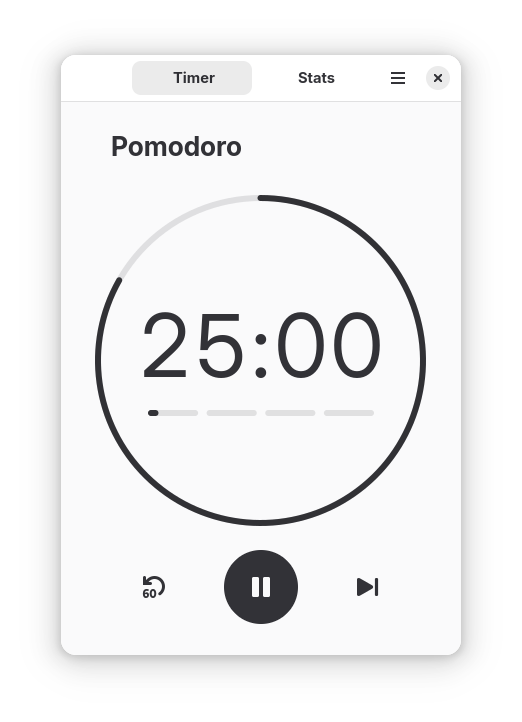
Focus Timer (formerly gnome-pomodoro) is a time-management app built around the Pomodoro Technique, helping you maintain focus and prevent burnout through structured work and break intervals.
Key features:
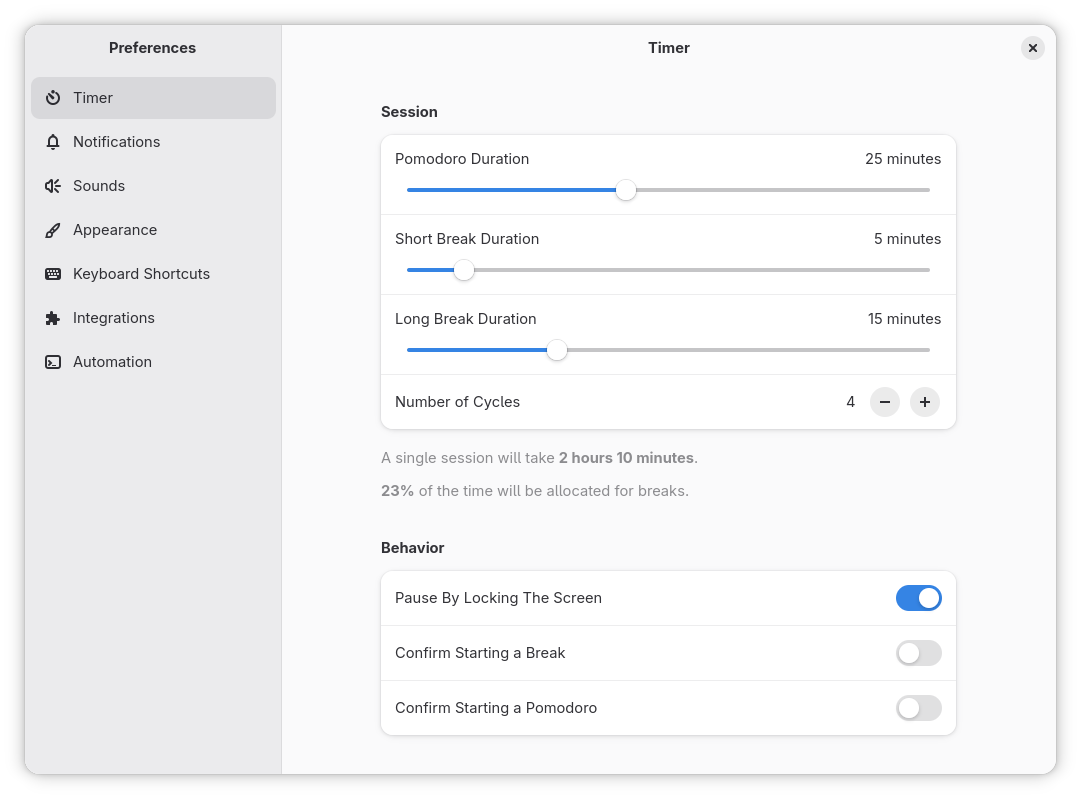
- Customizable work session and break lengths
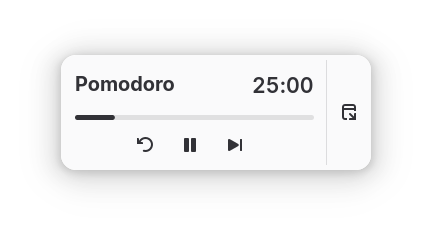
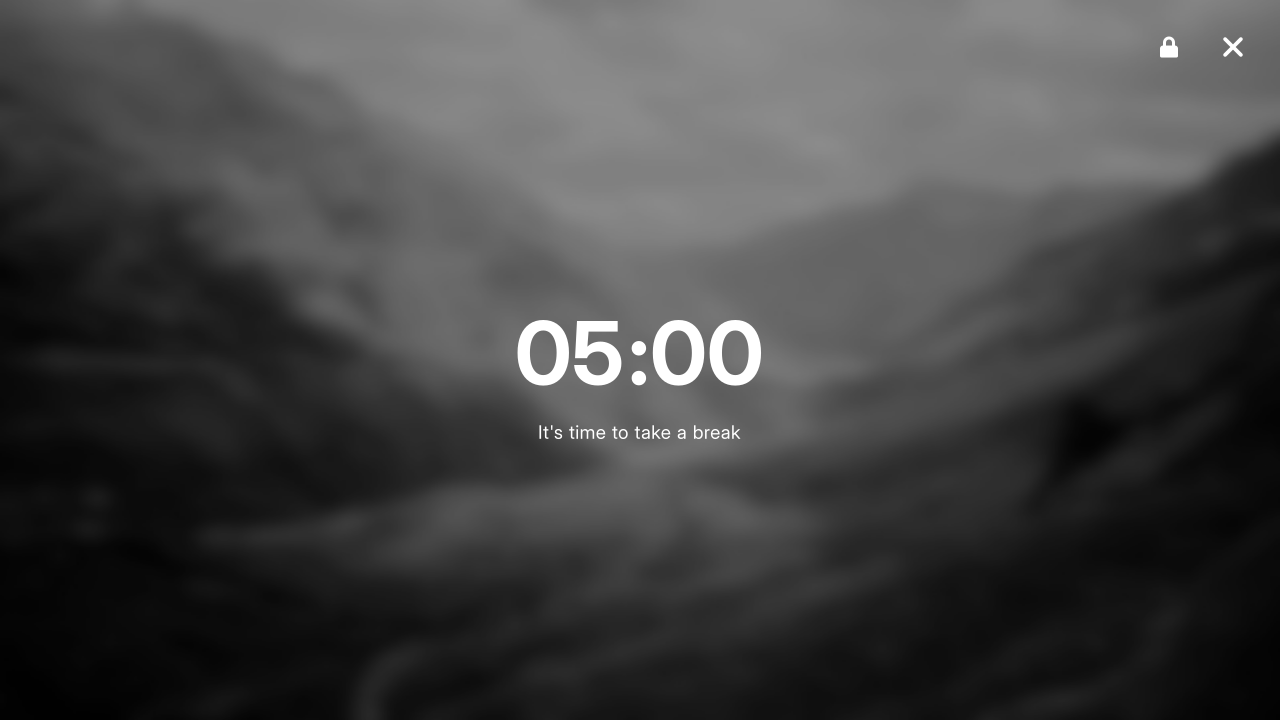
- Screen overlay during breaks
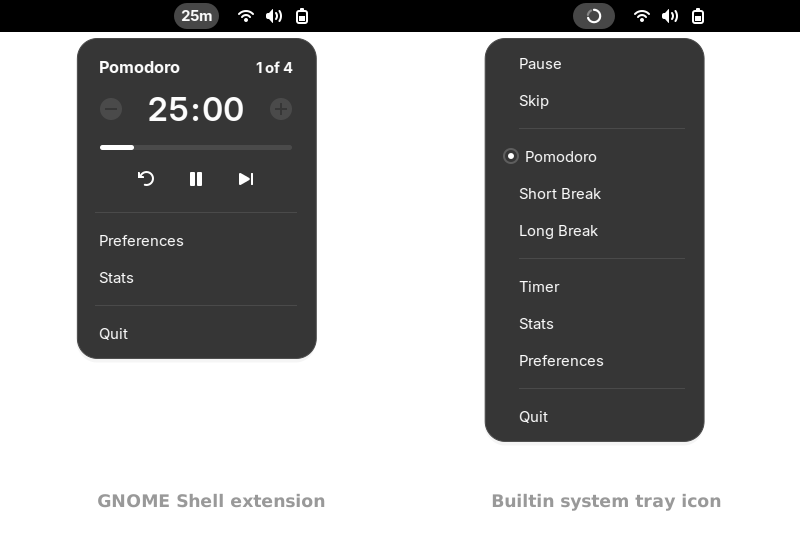
- System tray icon
- Hotkeys (global shortcuts)
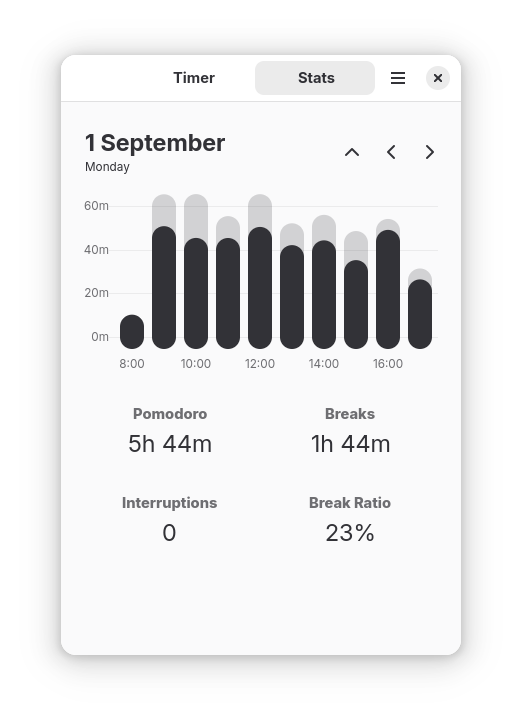
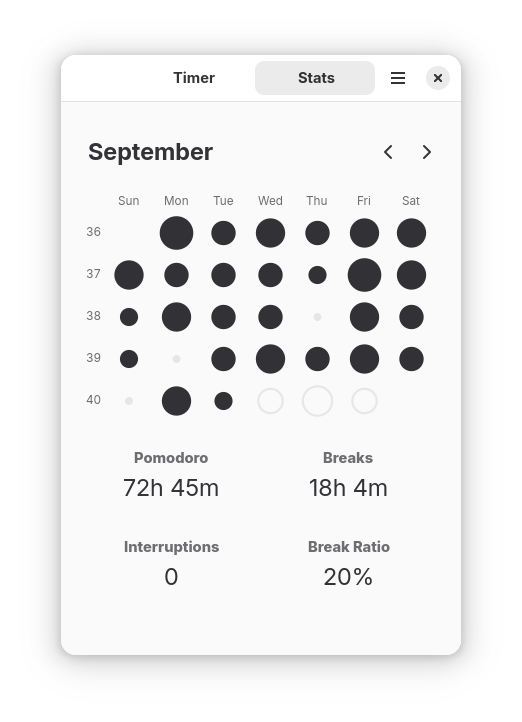
- Daily, weekly, and monthly statistics
- Extensible via custom shell commands, D-Bus, and CLI
- GNOME Shell extension for deeper desktop integration
To get latest releases we recommend installing the app from Flathub:
flatpak install --user flathub io.github.focustimerhq.FocusTimerIf you're switching from the gnome-pomodoro and want to keep your data, copy ~/.local/share/gnome-pomodoro/database.sqlite to ~/.var/app/io.github.focustimerhq.FocusTimer/data/focus-timer/database.sqlite.
Find a community-maintained package in your distro repos:
sudo dnf install focus-timer gnome-shell-extension-focus-timerThanks to Ankur Sinha for maintaining the packages.
Install gnome-shell-pomodoro from the AUR.
Thanks to Liam Timms for maintaining the package.
To build the application from source, you will need meson, ninja, and the necessary development headers (GLib, GTK+, etc.).
Clone the repository:
git clone https://github.com/focustimerhq/FocusTimer.git focus-timer
cd focus-timer
Build and install:
meson setup build --prefix=/usr
ninja -C build
sudo ninja -C build install
Run:
focus-timerThe app will try to migrate data from the old gnome-pomodoro app at first run.
If you decide to uninstall it. Run: sudo ninja -C build uninstall.
- Issues & Bug Reports: Check the Troubleshooting on how to check logs. Report it on our issue tracker.
- Feature Requests: Open a feature request on GitHub.
- Questions & Discussions: Join our Discussions page for help and general chat.
- Reviews: If you enjoy the app, please leave a review in the software centre you use.
We welcome contributions! Please refer to CONTRIBUTING.md for details on setting up your development environment, coding guidelines, and translation instructions.
If you'd like to support the development of Focus Timer, you can use GitHub, Liberapay, Ko-Fi or PayPal. Thank you!
This software is licensed under the GPL 3.
This project is not affiliated with, authorized by, sponsored by, or otherwise approved by GNOME Foundation and/or the Pomodoro Technique®. The GNOME logo and GNOME name are registered trademarks or trademarks of GNOME Foundation in the United States or other countries. The Pomodoro Technique® and Pomodoro™ are registered trademarks of Francesco Cirillo.