


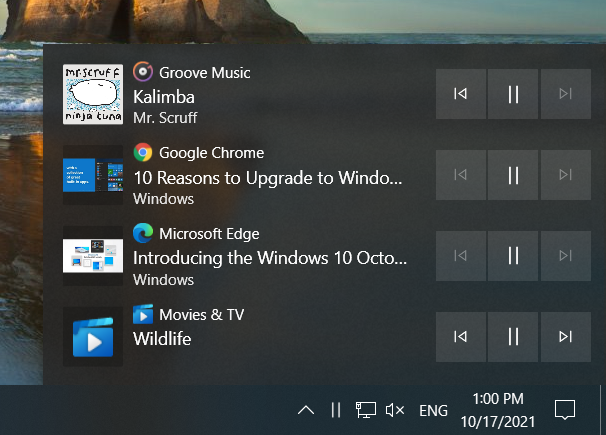
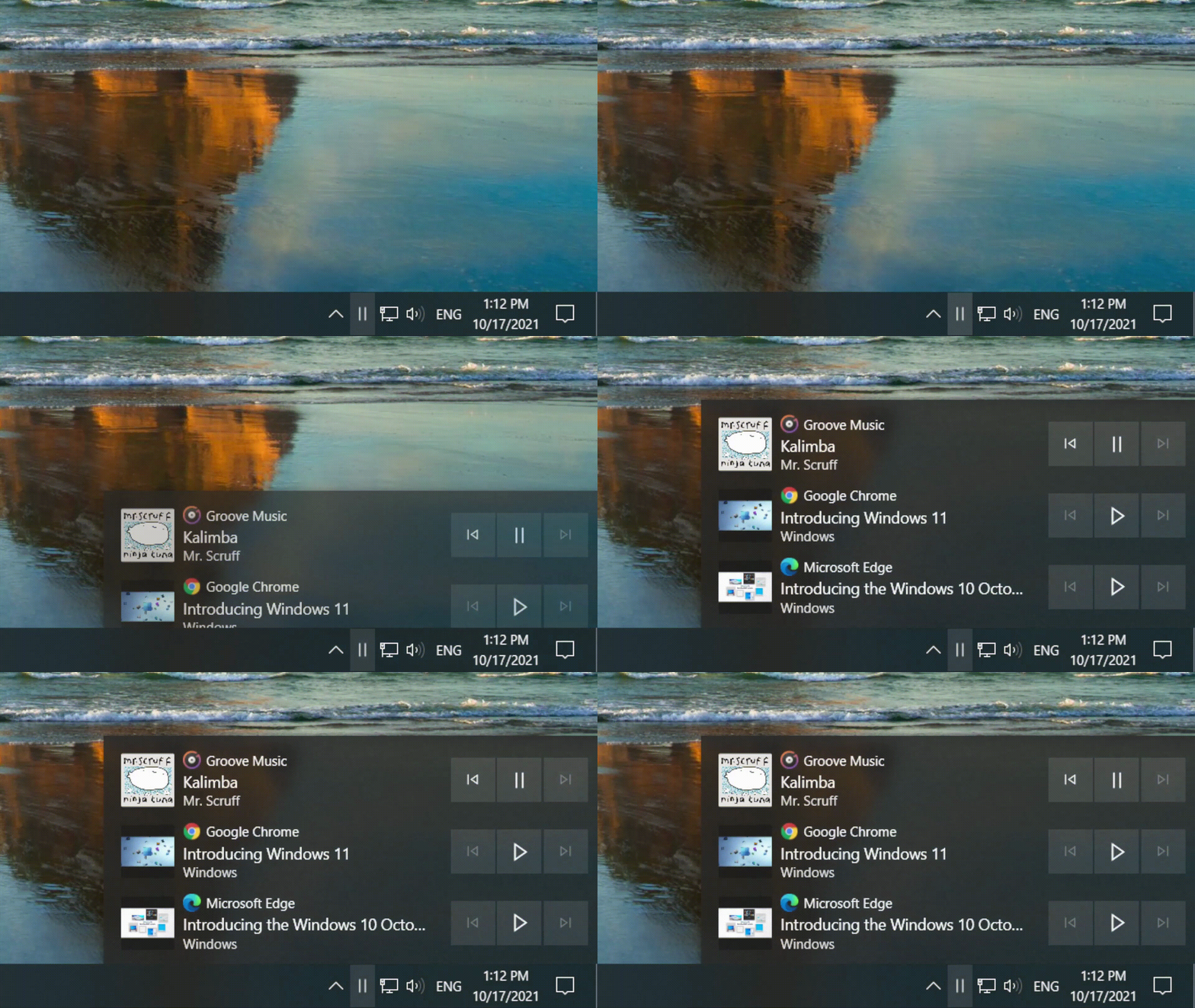
MediaFlyout adds a tray icon that allows you to control music and video playback.
It is a small C# WPF application that resembles a built-in Windows 10 taskbar flyout like Volume or Network control. It keeps the flyout window in memory for quick access, but consumes almost no system resources.
Tray icon is hidden when there's no media is playing.
- Middle Click or Double Click on tray icon to pause all media or play the last paused element
- Right Click on tray icon to show flyout on top
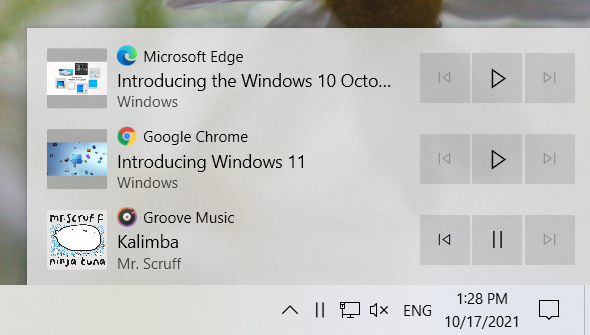
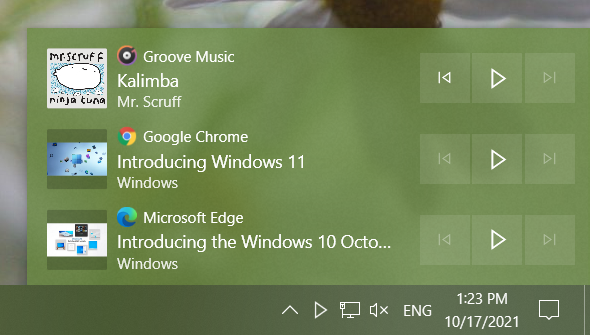
- Supports showing accent color on surface
- Fluent Design support, including acrylic transparency
You can download the application on the Releases page.
After extracting the archive you will see a folder containing batch files for automatic installation and the directory containing app files (dist).
- To try the application without installation: launch
dist/MediaFlyout.exe. You can exit the app via Task Manager or by launchingStop.cmdbatch file. - To install the application for current user: launch
Install.cmdbatch file and check your taskbar. The script copiesdistfolder to%LocalAppData%\MediaFlyoutand adds a record toHKCU\Software\Microsoft\Windows\CurrentVersion\Runregistry key. - To install the application for all users: launch
InstallAllUsers.cmdbatch file - it copiesdistfolder to%ProgramFiles%\MediaFlyoutand adds a record toHKLM\Software\Microsoft\Windows\CurrentVersion\Runregistry key.
Uninstalling is very simple too, execute Uninstall.cmd if you installed MediaFlyout for current user or UninstallAllUsers.cmd otherwise.
NOTE: via MediaFlyout, you can control only those media players, which you can control in FN menu.
Any kind of contributions are appreciated, you can also help by translating the app into your language.
Controlling playback from the taskbar was a very long awaited feature for me, which was supposed to appear in the next update of Windows 10 features, but due to the release of Windows 11 and putting Windows 10 into support mode, I decided to develop it myself. This would not have been possible without the following open source projects:
- AudioFlyout and ModernFlyouts - basic implementation and source application detection
- EarTrumpet - the idea and notification icon colorization
- FluentWPF - modern Fluent Design look and feel
The source code is released under the MIT License.