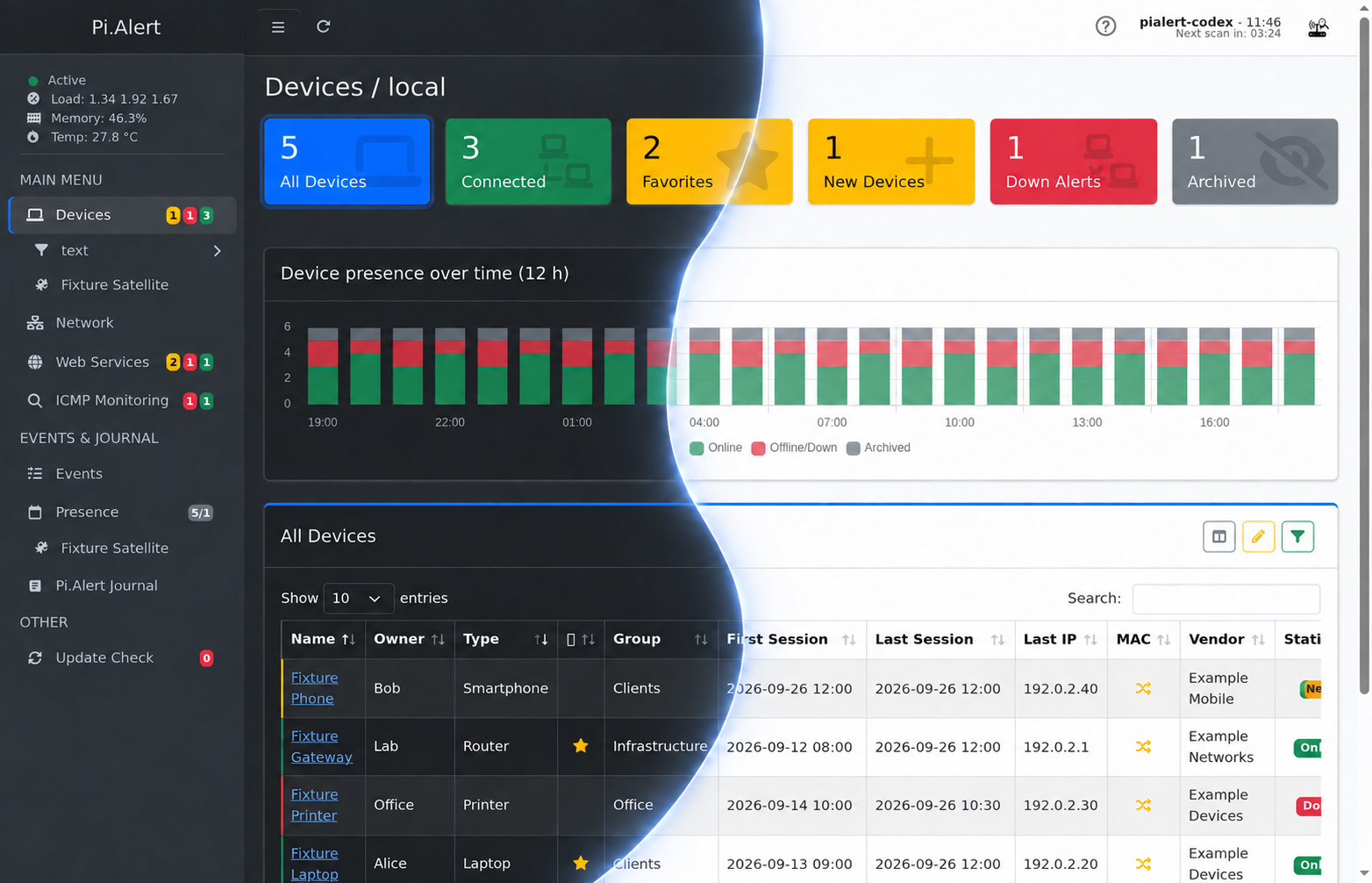
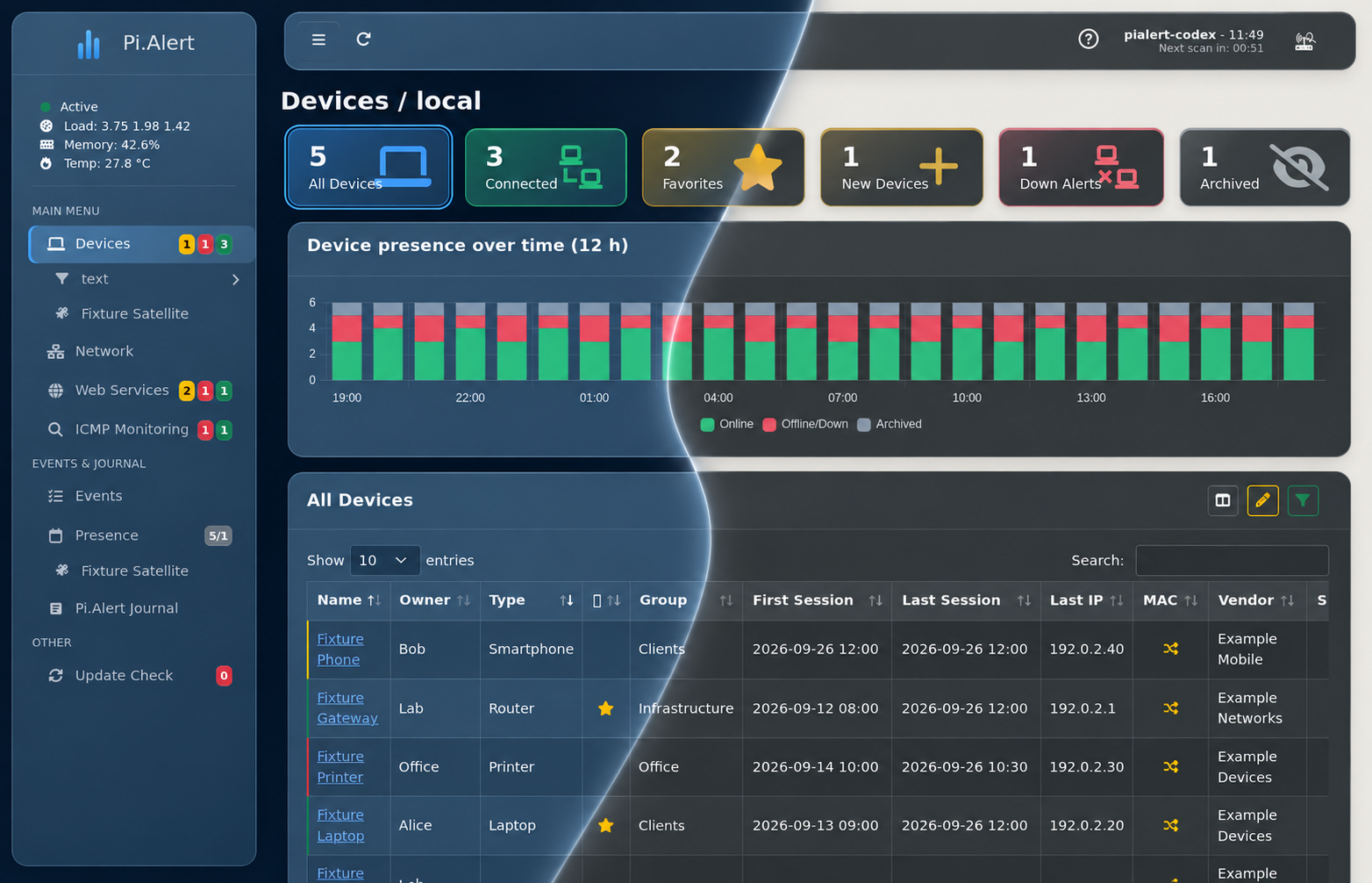
Pi.Alert keeps an eye on your Wi-Fi and LAN and lets you know when something changes. It discovers devices on your network, tracks their availability, and provides a web interface for managing everything in one place.
 |
 |
|---|
- Discover devices connected to your Wi-Fi or LAN.
- Notify you when an unknown device appears or a known device goes offline.
- Monitor devices outside the local subnet using ICMP.
- Detect unwanted or foreign DHCP servers.
- Monitor internal and external web services by checking HTTP status, response time, and SSL certificate information.
- Alert you when a monitored service becomes unavailable or its status or certificate changes.
- Run manual Nmap scans and send Wake-on-LAN commands.
- Show how devices are connected through routers, switches, and other network infrastructure.
Need visibility into another network segment? The companion Pi.Alert-Satellite project can scan independently and send its results to an existing Pi.Alert instance.
See how this version compares with the original project.
Pi.Alert can collect device information from several sources:
- arp-scan for local network discovery
- Pi-hole 5 and 6 for DNS and DHCP data
- FRITZ!Box for active hosts
- MikroTik for DHCP leases
- UniFi for client devices
- OpenWrt and AsusWRT for active hosts
- pfSense and OPNsense for active hosts, DHCP leases, and ARP tables
- AdGuard Home for DHCP leases and hosts detected through recent DNS queries
- Pi.Alert-Satellite using arp-scan, Pi-hole 6, MikroTik, UniFi, OpenWrt, AsusWRT, pfSense, OPNsense, or AdGuard Home
The backend is normally started by the operating system's cron service every five minutes. It runs the configured scans and imports, stores their results, and sends notifications when relevant changes are detected. It also monitors manually configured hosts and web services.
Notifications can be delivered through the frontend, email (setup guide), Pushsafer, Pushover, ntfy, or Telegram through the Telegram Bot API. Shoutrrr remains available as an optional discovery helper (setup guide).
The web interface gives you a central place to:
- review current and historical device information;
- add owners, locations, groups, notes, and other device metadata;
- organize network relationships;
- configure the frontend and edit backend settings;
- view events, reports, journals, and scan results;
- use the API with integrations such as Home Assistant or Homepage.
The interface is available in English, German, Spanish, French, Italian,
Polish, Danish, Dutch, Czech, Finnish, Swedish, Norwegian, Lithuanian,
Ukrainian, and Russian. Login protection is enabled during installation with a
randomly generated password. You can change it later with
pialert-cli.
Skin-specific favicons and home-screen icons are included. They can also be linked directly from this repository when iOS refuses to load icons from an HTTP or self-signed HTTPS installation.
Pi.Alert was originally designed for the Raspberry Pi and targets Debian-based
systems using apt. Before installing it on DietPi, Ubuntu Server, or another
Debian-based distribution, check the
distribution notes.
Run the installer as root:
sudo bash -c "$(wget -qLO - https://github.com/leiweibau/Pi.Alert/raw/main/install/pialert_install.sh)"Once installation is complete, continue with the first-start guide.
For an LXC installation, take a look at the Proxmox VE Helper-Scripts, originally provided by the now archived tteck/Proxmox repository. This installation method uses the Pi.Alert version from this repository after the container has been created and provides its own update command.
The Update Check entry in the sidebar shows available Pi.Alert releases, their changes, and the status of the GeoLite2 database.
To update an existing installation, run:
sudo bash -c "$(wget -qLO - https://github.com/leiweibau/Pi.Alert/raw/main/install/pialert_update.sh)"If your installation still uses the previous home-directory layout, follow the migration guide.
Older releases and their release notes are available from the Pi.Alert release archive.
- First-start guide
- FAQ and troubleshooting
- Screenshots
- Device management and bulk editor
pialert-cliandpialert.conf- Network relationships
- Web service monitoring
- Satellite configuration
- API usage
- Favicons and home-screen icons
- Uninstallation
- NetAlertX began as a Pi.Alert fork and is now an independent, Docker-based project.
- pucherot/Pi.Alert is the original, currently unmaintained project.
If Pi.Alert is useful to you and you would like to support its development:
| GitHub Sponsors | Buy Me a Coffee |
|---|---|
 |
 |
Thank you to everyone who sponsors, contributes to, tests, translates, or otherwise supports the project.
Pi.Alert is released under the GNU General Public License 3.0.
Questions and feedback are welcome at leiweibau@gmail.com.
Pi.Alert also uses or has benefited from the following projects and services:
