Deutsch | Español | français | 日本語 | 한국어 | Português | Русский | 中文


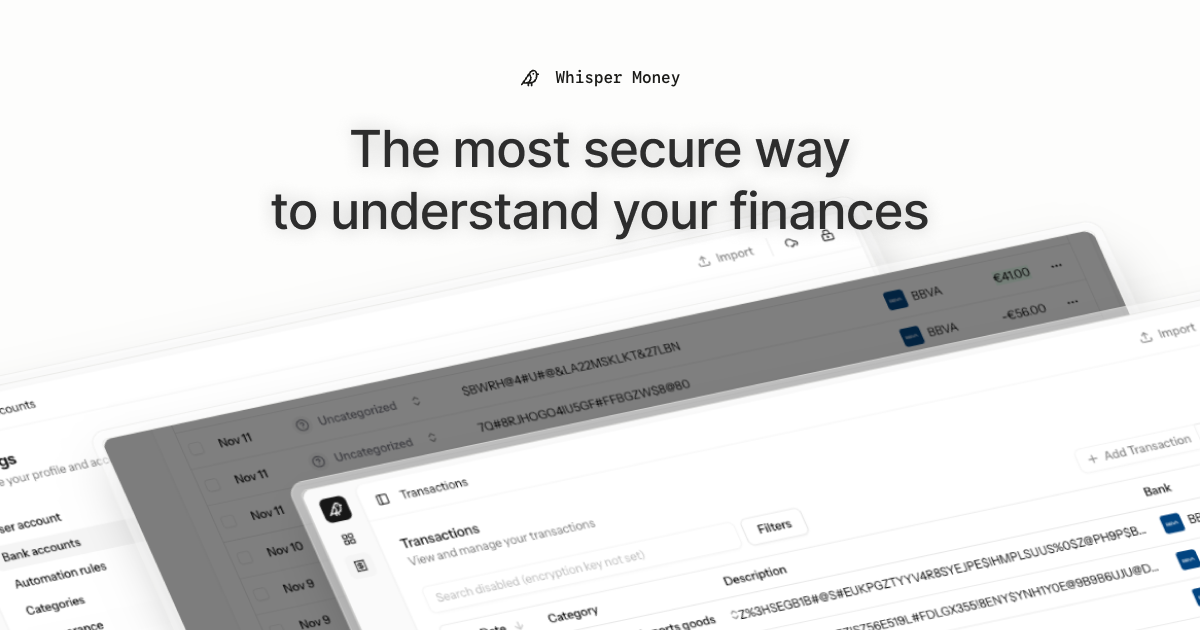
The most secure way to understand your finances.
Whisper Money is a privacy-first personal finance application that helps you track, categorize, and understand your spending. We don't sell your data and we don't profile you for ads. The entire codebase is public, so you can check exactly where your data goes.
💬 Join our Community: Whether you're a user looking for help or a developer wanting to contribute, we'd love to have you in our Discord server! Share feedback, ask questions, discuss new features, or just hang out with fellow privacy enthusiasts.
- 🔐 Privacy-first — You own your data and we never sell it. Self-host it and point the AI at a local model to keep it entirely on your own infrastructure
- 🏦 Bank account management — Track multiple accounts in one place, by hand, from an import, or synced straight from your bank with open banking
- 📊 Transaction categorization — Automatic and manual categorization
- 🤖 Automation rules — Set up rules to auto-categorize transactions
- 📈 Financial insights — Understand your spending patterns
- Backend: Laravel 12, PHP 8.4
- Frontend: React 19, Inertia.js v3, TypeScript
- Styling: Tailwind CSS v4
- Database: MySQL
- Cache/Queue: Redis
- Testing: Pest v4
The easiest way to get started is using our automated setup script:
bash <(curl -fsSL https://whisper.money/setup.sh)After installation, just visit https://whisper.money.localhost in your browser.
If you prefer to set up manually:
- Clone the repository:
git clone https://github.com/whisper-money/whisper-money.git
cd whisper-money- Run the setup script:
whispermoney installImportant: You must run
whispermoney installbefore using any other command. If you skip the install step, commands likestartwill not work.
Once installed, you can use the whispermoney command for common tasks:
# Start all services
whispermoney start

# Stop all services
whispermoney stop

# Upgrade to latest version
whispermoney upgrade

# Interactive menu
whispermoneyFor active development with hot reloading:
composer run devThis will concurrently start:
- PHP development server (via Portless HTTPS proxy)
- Queue worker
- Log viewer (Pail)
- Vite dev server
The application will be available at https://dev.whisper.money.localhost. In git worktrees, the branch name is automatically prepended (e.g. https://fix-ui.dev.whisper.money.localhost).
For testing the production Docker image locally:
- Copy the production environment file:
cp .env.production.example .env- Start the services:
docker compose -f docker-compose.production.yml up -dThe application will be available at http://localhost:8080.
To use a different port, set APP_PORT:
APP_PORT=3000 docker compose -f docker-compose.production.yml up -dWhisper Money can be easily deployed to Coolify using our Docker Compose template.
- In Coolify, create a new resource and select Docker Compose
- Choose Empty Compose File as the source
- Paste the contents from our template: 👉 whisper-money.yaml
- Deploy!
The template includes:
- Whisper Money application container
- MySQL 8.0 database with health checks
- Persistent volumes for data and storage
- Auto-generated database credentials
| Variable | Description |
|---|---|
RESEND_API_KEY |
Email service API key (for password resets, notifications) |
Note:
APP_KEYandAPP_URLare auto-configured. The container generates anAPP_KEYon first startup if not provided.
| Variable | Default | Description |
|---|---|---|
DRIP_EMAILS_ENABLED |
true |
Enable drip emails (welcome, onboarding, feedback) |
REGISTRATION_ENABLED |
true |
Set to false to close public sign-ups (the /register routes return a 403 and every registration CTA is hidden) while keeping /login open |
SUBSCRIPTIONS_ENABLED |
false |
Enable Stripe subscriptions |
STRIPE_KEY |
- | Stripe publishable key |
STRIPE_SECRET |
- | Stripe secret key |
STRIPE_WEBHOOK_SECRET |
- | Stripe webhook signing secret |
AI_PROVIDER |
gemini |
AI provider for every AI feature (gemini, ollama, openai, ...) |
ENABLEBANKING_APP_ID |
- | Enables bank connections; blank leaves them off |
Connecting a bank — the flow that pulls a year of movements in and keeps them current by itself — goes through EnableBanking, a licensed open-banking aggregator. It is optional and a paid third-party service, so a self-hosted install ships with it switched off.
Without it the app runs perfectly well: accounts are created by hand or filled from a CSV import, and the brokers and exchanges (Indexa Capital, Coinbase, Binance, Bitpanda, Wise, Interactive Brokers) connect with their own API key and never touch EnableBanking. The bank connection is simply not offered anywhere in the UI.
To switch it on you need two things from EnableBanking: an application id,
and an RSA key pair whose public half is registered against that application
— every API call is a JWT signed with the private half (RS256, the
application id as kid). The application's redirect URL has to be
<APP_URL>/open-banking/callback, which is where the bank sends the user back.
| Variable | Default | Description |
|---|---|---|
ENABLEBANKING_APP_ID |
- | The application id |
ENABLEBANKING_PRIVATE_KEY_PATH |
- | Path to the RSA private key, relative to the project root (e.g. storage/keys/enablebanking.pem) |
ENABLEBANKING_REDIRECT_URL |
- | ${APP_URL}/open-banking/callback |
All three are required together. With any of them missing, open banking stays off and nothing else is affected.
Whisper Money's AI features (transaction categorization and automation-rule
suggestions) run on laravel/ai and default to
Google Gemini. The provider is configurable independently of the model, so
you can point the app at any text provider laravel/ai supports — gemini,
openai, anthropic, azure, groq, xai, deepseek, mistral, a
self-hosted Ollama server, or openai-compatible for
any endpoint speaking the OpenAI API. Ollama is the headline case because it
keeps AI processing fully local and private — data never leaves your
infrastructure — but the switch is generic.
Each provider needs its own credentials configured for laravel/ai (e.g.
GEMINI_API_KEY, OPENAI_API_KEY, ANTHROPIC_API_KEY, or OLLAMA_URL). An
unknown or non-text provider fails fast when the AI feature runs.
| Variable | Default | Description |
|---|---|---|
AI_PROVIDER |
gemini |
Provider for all AI features. Set once to switch everything. |
AI_SUGGESTIONS_PROVIDER |
AI_PROVIDER |
Override the provider for rule suggestions only. |
AI_CATEGORIZATION_PROVIDER |
AI_PROVIDER |
Override the provider for transaction categorization only. |
AI_REPORTS_PROVIDER |
AI_PROVIDER |
Override the provider for the stats-report summaries only. |
AI_SUGGESTIONS_MODEL |
gemini-flash-latest |
Model used for rule suggestions. |
AI_CATEGORIZATION_MODEL |
gemini-flash-latest |
Model used for transaction categorization. |
AI_REPORTS_MODEL |
gemini-flash-latest |
Model used for the stats-report summaries. |
AI_REPORTS_TIMEOUT |
30 |
Seconds before a report is posted without its AI summary. |
GEMINI_API_KEY |
- | Required when the provider is gemini. |
OLLAMA_URL |
http://localhost:11434 |
Ollama server URL (used when the provider is ollama). |
OLLAMA_API_KEY |
- | Optional; only needed behind an authenticating proxy. |
OPENAI_COMPATIBLE_URL |
- | Base URL of an OpenAI-compatible endpoint (required when the provider is openai-compatible). |
OPENAI_COMPATIBLE_API_KEY |
- | Optional; sent as a bearer token when set. |
AI_PROVIDER=ollama
OLLAMA_URL=http://ollama.example.local:11434
AI_SUGGESTIONS_MODEL=gemma3:12b
AI_CATEGORIZATION_MODEL=gemma3:12b
Make sure the model is pulled on the Ollama server first (ollama pull gemma3:12b).
Any other provider follows the same pattern: set AI_PROVIDER, that provider's
credentials, and the *_MODEL vars to one of its models. Gemini remains the
default, so existing deployments are unaffected.
Plenty of services and local servers speak the OpenAI Chat Completions API
without being OpenAI: router/gateway services such as
OrcaRouter, local runtimes like LM Studio or
vLLM, hosted inference like Together or Fireworks, a LiteLLM instance, or your
own corporate proxy. Set AI_PROVIDER=openai-compatible and point the app at
one of them.
OPENAI_COMPATIBLE_URLis required — it is the base URL the app appendschat/completionsto, so give it the versioned root (e.g..../v1). Leaving it empty fails when the AI feature runs.OPENAI_COMPATIBLE_API_KEYis optional — when set it is sent asAuthorization: Bearer <key>. Leave it empty for a local server that does not authenticate.- The
*_MODELvars must name a model that endpoint serves. There is no default, and the Gemini defaults are meaningless to it. - There is a single
openai-compatibleslot, so only one such endpoint can be configured at a time. To reach two of them, put a router in front.
Example with OrcaRouter:
AI_PROVIDER=openai-compatible
OPENAI_COMPATIBLE_URL=https://api.orcarouter.ai/v1
OPENAI_COMPATIBLE_API_KEY=sk-orca-...
AI_SUGGESTIONS_MODEL=orcarouter/auto
AI_CATEGORIZATION_MODEL=orcarouter/auto
AI_REPORTS_MODEL=orcarouter/auto
orcarouter/auto lets OrcaRouter pick the model; naming one directly
(provider/model-name) works too. Any other OpenAI-compatible endpoint follows
the same shape — only the URL and the model names change.
This work is licensed under a Creative Commons Attribution-NonCommercial 4.0 International License.